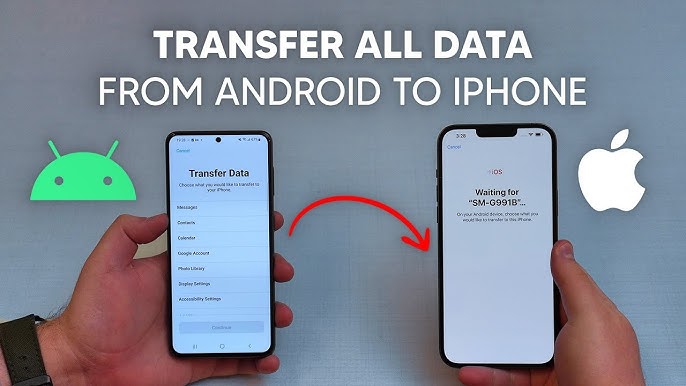
how to transfer data from android to iphone in 2025
Transferring data from an Android phone to an iPhone is easier than you might think, thanks to Apple’s “Move to iOS” app. Just Follow this simple guide to get everything from your old Android phone to your new iPhone:
Guide
Step 1: Prepare Both Phones
- Make sure both phones are charged and connected to a stable Wi-Fi network.
- On your Android phone, ensure Bluetooth is enabled and your Wi-Fi is turned on.
Step 2: Download the “Move to iOS” App
- On your Android phone, go to the Google Play Store and download the Move to iOS app.
- Once it’s installed, open the app, and read through the terms and conditions. If you agree, tap Next.
Step 3: Set Up Your iPhone
- Turn on your new iPhone and start the initial setup process until you reach the “Apps & Data” screen.
- Tap Move Data from Android.
Step 4: Connect the Devices
- Open the Move to iOS app on your Android phone and tap Next.
- You’ll be asked to enter a 6-10 digit code that will appear on your iPhone.
- Once you enter the code, your Android phone will connect to the iPhone over a Wi-Fi network.
Read More:
Step 5: Choose What to Transfer
- After the devices connect, your Android phone will show a list of data you can transfer, like contacts, message history, photos, videos, web bookmarks, and more.
- Select the data you want to move, then tap Next. The transfer will begin.
Step 6: Complete the Transfer
- Wait for the transfer to finish. The time it takes depends on how much data you’re moving, so be patient!
- Once the transfer is complete, tap Done on your Android phone.
- On your iPhone, tap Continue Setting Up iPhone to finish the setup.
Step 7: Check Your Data
- After the transfer, go through your new iPhone to make sure all your contacts, photos, messages, and other content came through correctly.
- You may need to log into your apps and accounts on the iPhone, but all your important information should be transferred!
Extra Tip:
For apps, your Android ones won’t transfer directly to the iPhone because of the different operating systems. But, you can manually download the same apps from the App Store on your iPhone.